Does the AI proposal builder send proposals automatically?
No. The safest first version creates a proposal draft for review. The salesperson or founder edits and approves the proposal before it is sent to the client.
Proposal Builder
A proposal builder connects CRM data, meeting notes, proposal examples, brand guidelines and pricing rules so your team can start from a strong draft instead of a blank page.
Input
Call + CRM
Output
Draft proposal
Control
Human approval
The workflow
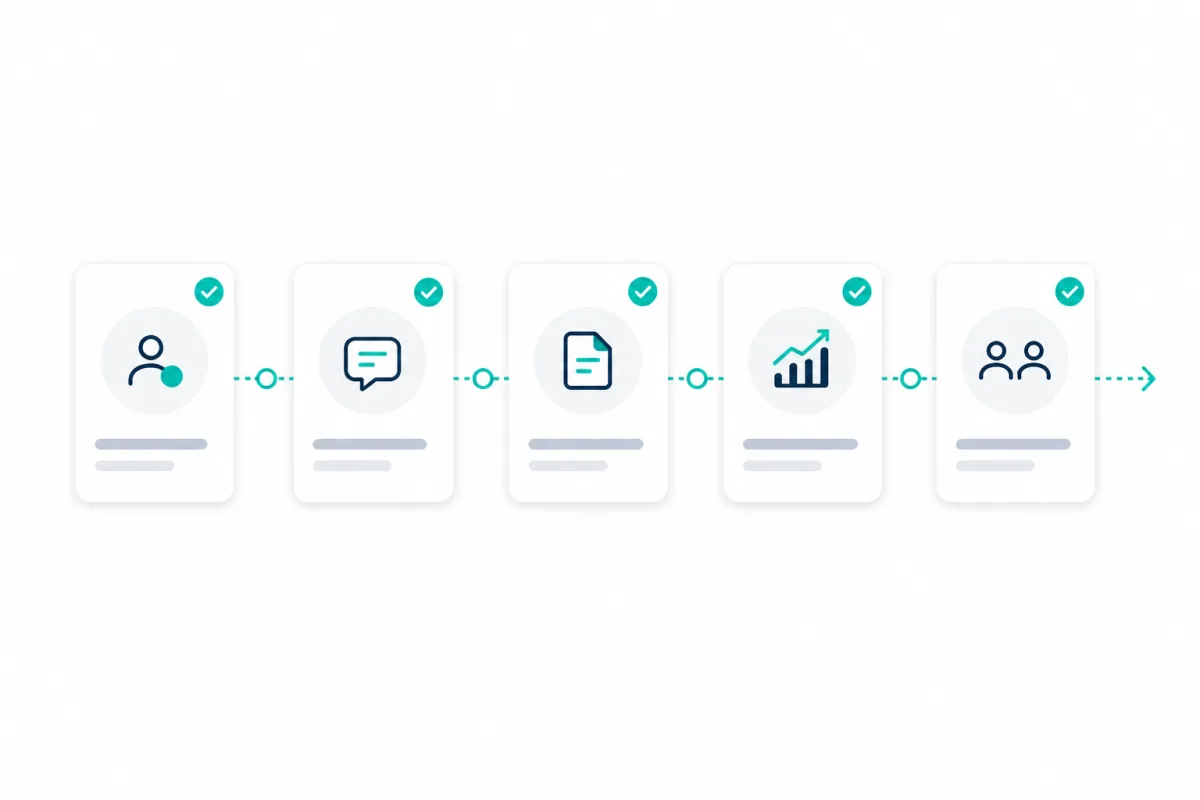
The page should feel like the automation. Each stage gathers context, reduces manual work and moves the proposal closer to a document a human can approve.
Stage 1
The workflow starts with the conversation: needs, objections, stakeholders, success criteria and anything promised on the call.
Stage 2
Deal data, contact history, company details and sales stage are pulled into the proposal brief so the draft reflects reality.
Stage 3
The automation creates a structured brief before writing anything, making scope, pricing, assumptions and risks easier to check.
Stage 4
AI turns the brief into a document draft with client challenge, proposed solution, scope, timeline, pricing, terms and next steps.
Stage 5
The salesperson or founder reviews, edits and approves the draft. Nothing is sent automatically.
Stage 6
The final document is exported or prepared in the tool your team already uses, with follow-up tasks ready to go.
What feeds the draft
A good proposal builder is not just a prompt. It is a workflow that knows where the useful context lives, what should be included, and what needs a person to check.
Deal value, stage, company, contacts and owner.
Granola, Fireflies, Teams or manual discovery notes.
Previous proposals that show structure, tone and level of detail.
Voice, formatting rules, terminology and positioning.
Scope options, deliverables, timelines and commercial rules.
A structured document the team can review, edit and approve.
Draft preview
The exact structure depends on your business. The scoping work defines the sections, source data, tone and approval rules before the workflow is built.
Scope this workflowDraft proposal
Approval gate
The safest version of this workflow creates a strong proposal draft and supporting brief. A person reviews the scope, edits the language, checks pricing and approves before anything goes to the client.
Best fit
This is most useful when proposals are common, important and still too dependent on manual write-up from founders or senior salespeople.
Agencies sending regular proposals
Consultancies and professional services firms
Logistics and freight forwarding businesses
Founder-led B2B teams where senior people still rewrite every proposal
Service businesses with repeatable offers but inconsistent documents
Teams using CRM and meeting notes, but not connecting them to proposal creation
Systems
The first step is reviewing what you already use and deciding where the proposal workflow should live.
We will review your current proposal process, source documents, CRM data, approval points and first pilot opportunity.
Book a proposal workflow callWhat to know before scoping an AI proposal builder workflow.
No. The safest first version creates a proposal draft for review. The salesperson or founder edits and approves the proposal before it is sent to the client.
You need a clear enough proposal process, examples of previous proposals, a view of what should go into a good proposal and access to the systems that hold deal data, meeting notes and service or pricing information.
Usually, yes. The workflow can often be scoped around HubSpot, Pipedrive, Salesforce, meeting note tools, Google Docs, Word, Notion, Slack or Teams. The exact setup depends on your tools and data quality.
That is part of the scoping work. Zero2Five reviews your proposal examples, brand guidelines, service language and approval rules so the draft follows your structure and tone rather than sounding generic.